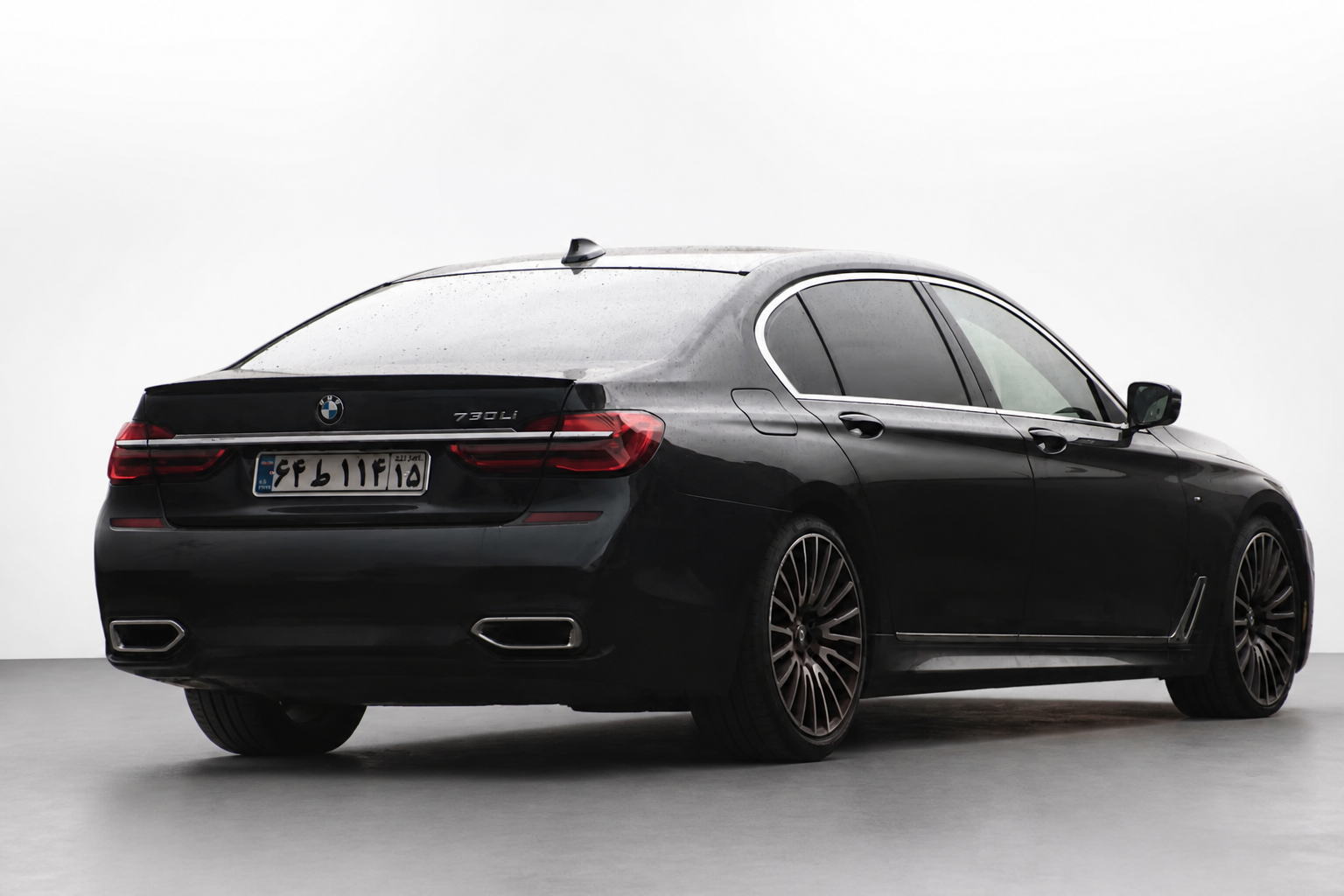
Actual AI edit
White studio
A quiet, neutral settingKeep attention on body shape and trim. Check the edges carefully on pale paint.
Use this backgroundHome / Car showroom backgrounds
Turn a driveway or parking-lot photo into a studio-style listing image. Pick a look, upload your car and compare the result before you download.
2 free credits per network · No sign-up · Watermark-free downloads
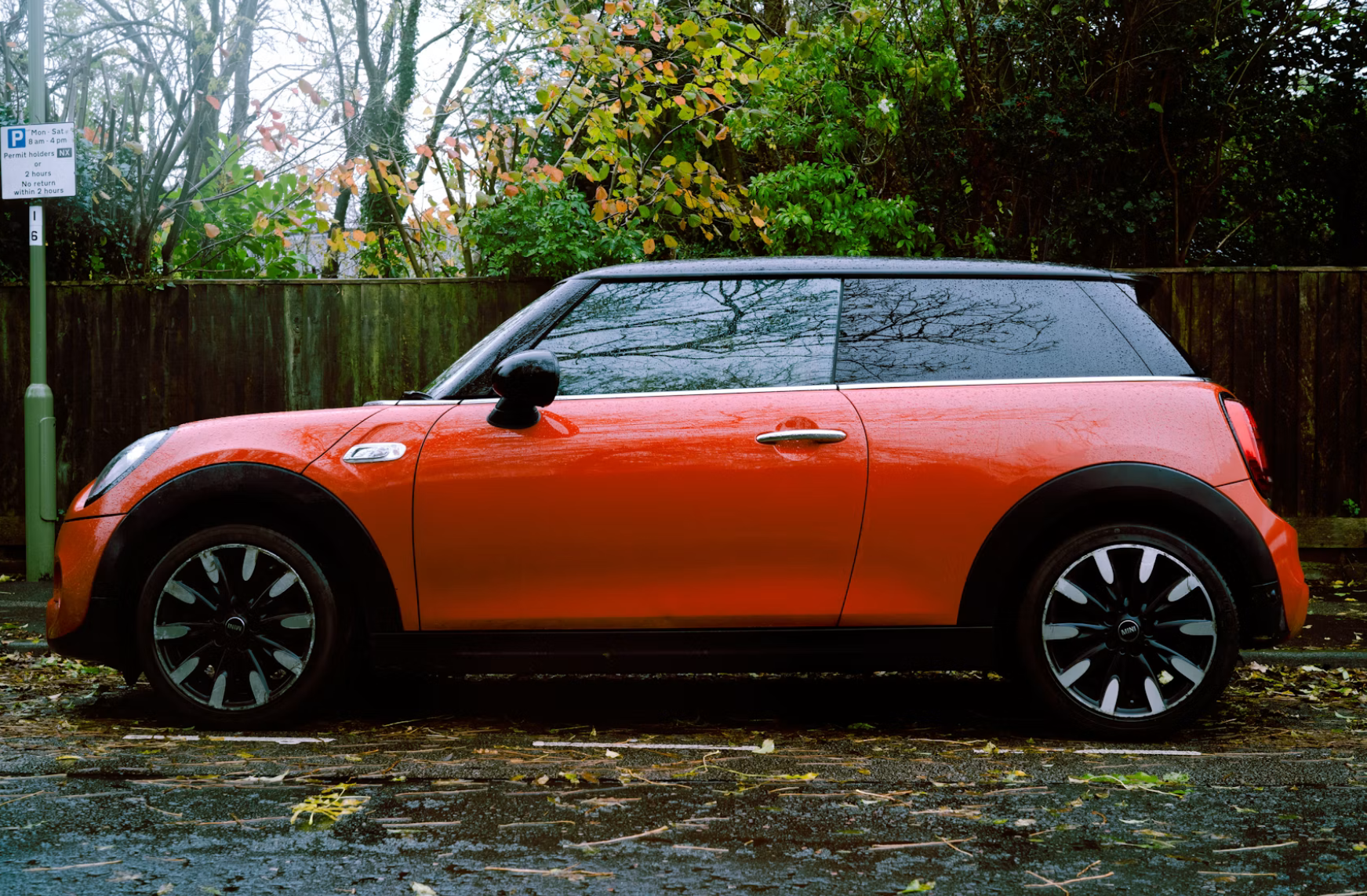
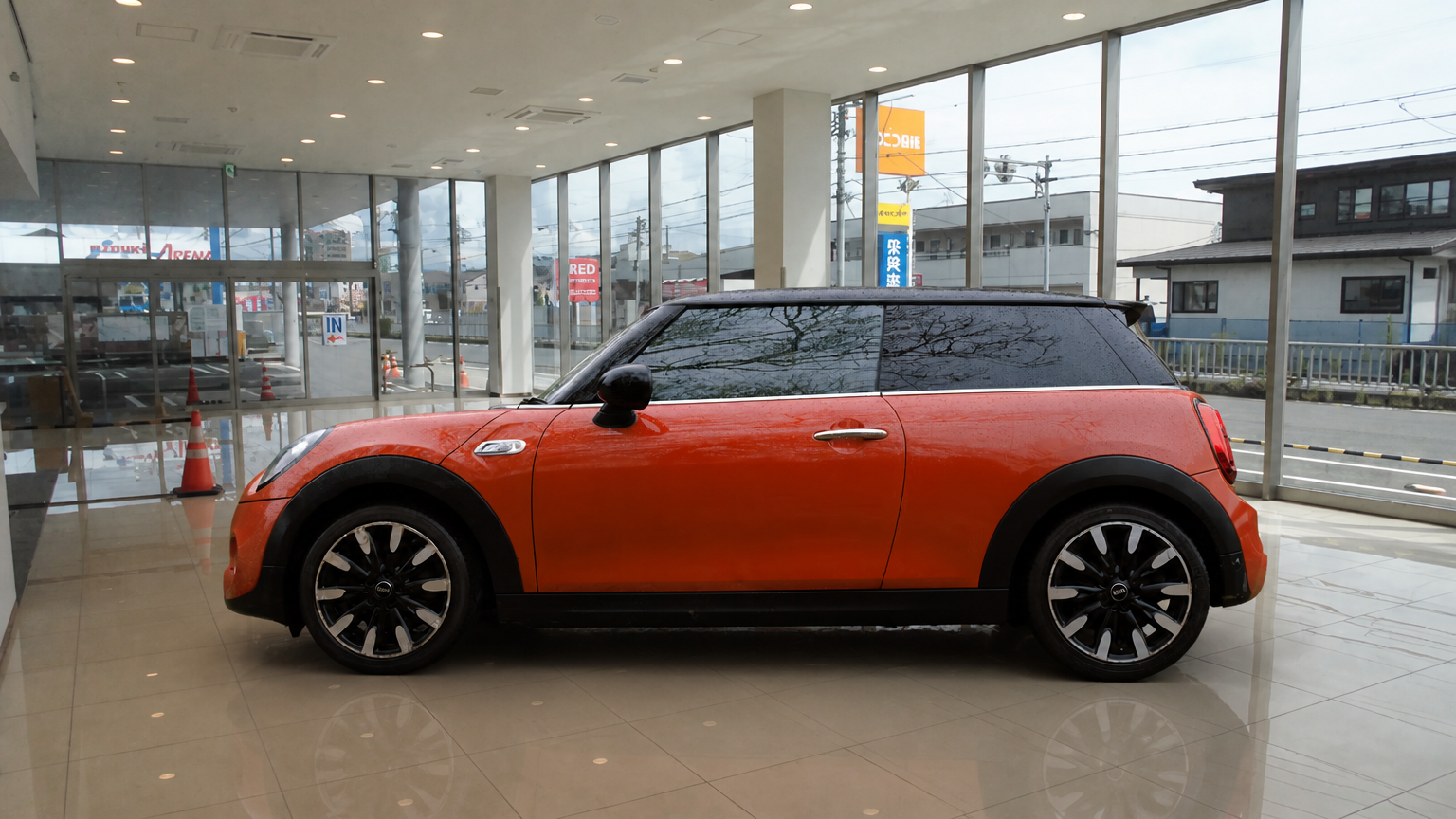
Actual AI edit · drag to compare. Position aligned for display.
Choose the setting that supports your photo. Each selection opens the editor below with that style ready to use. Examples show a style, not an exact scene guarantee.
Keep attention on body shape and trim. Check the edges carefully on pale paint.
Use this background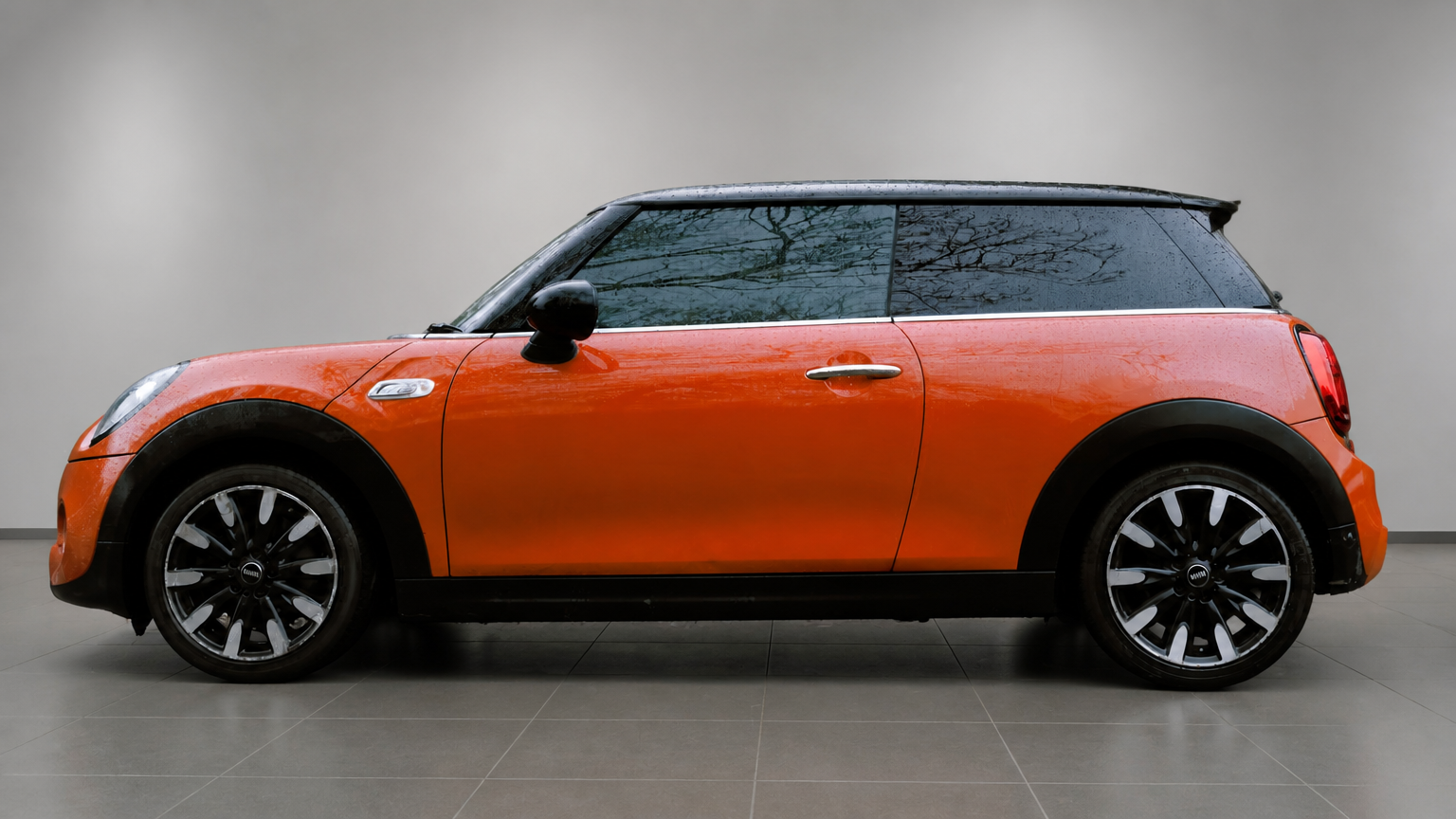
A mid-tone setting gives light paint a clearer outline without a dramatic mood.
Use this background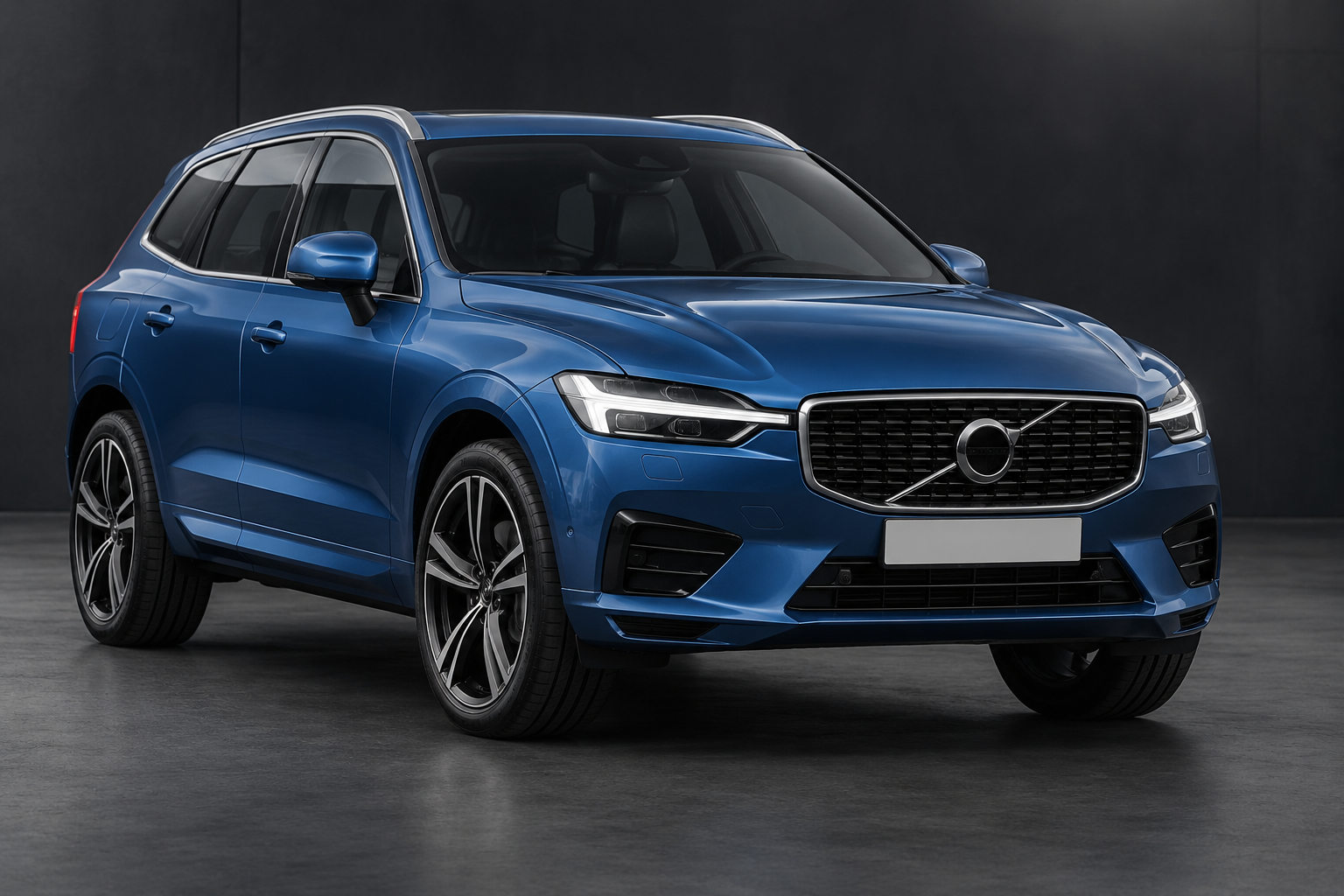
Try a dark studio for contrast with bright paint. Check that dark wheels remain visible.
Use this background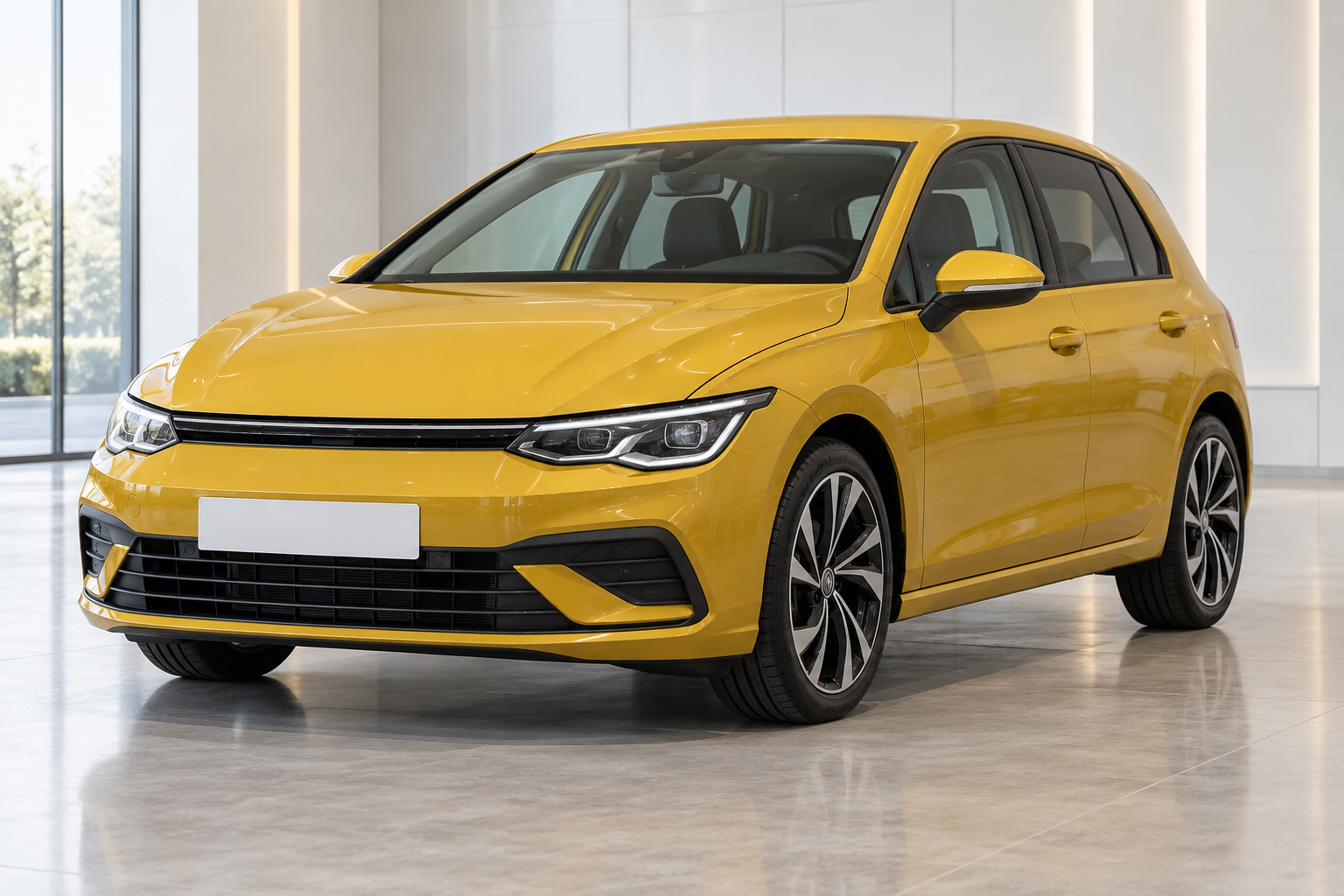
Use clean wall panels when you want more depth than a plain studio.
Use this background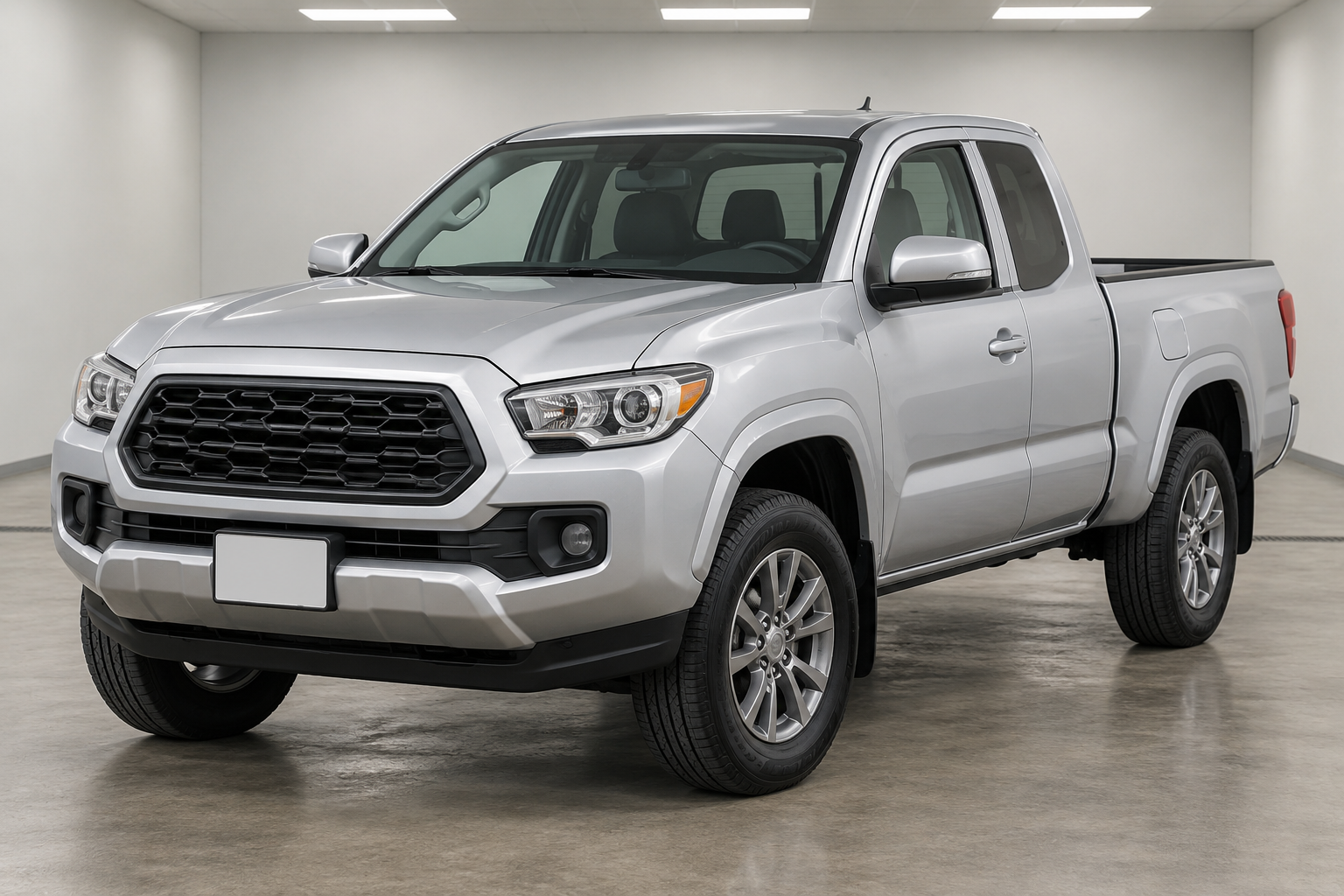
A tidy indoor setting with simple walls and a matte floor.
Use this background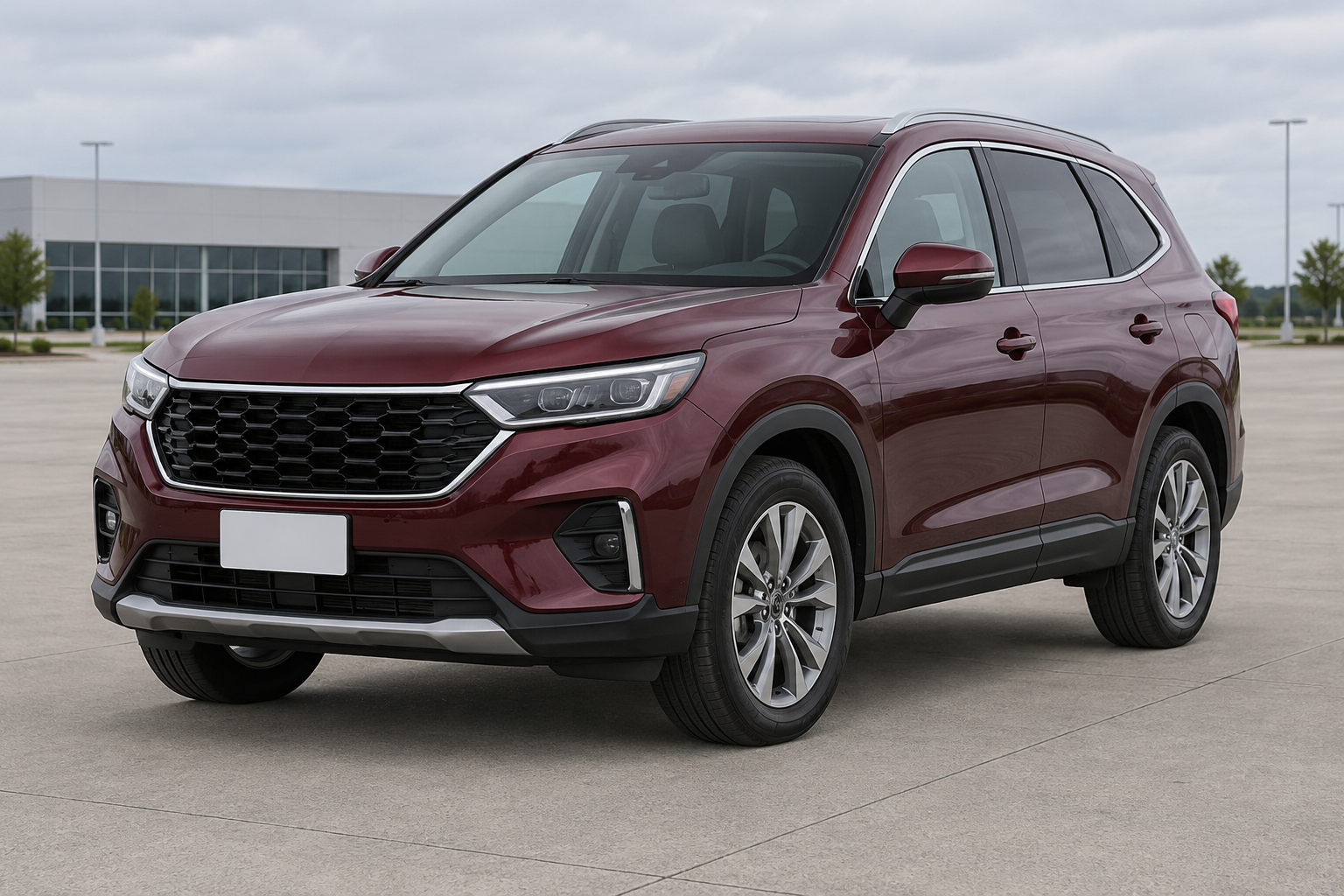
Keep a natural outdoor feel with clear paving and an uncluttered distance.
Use this background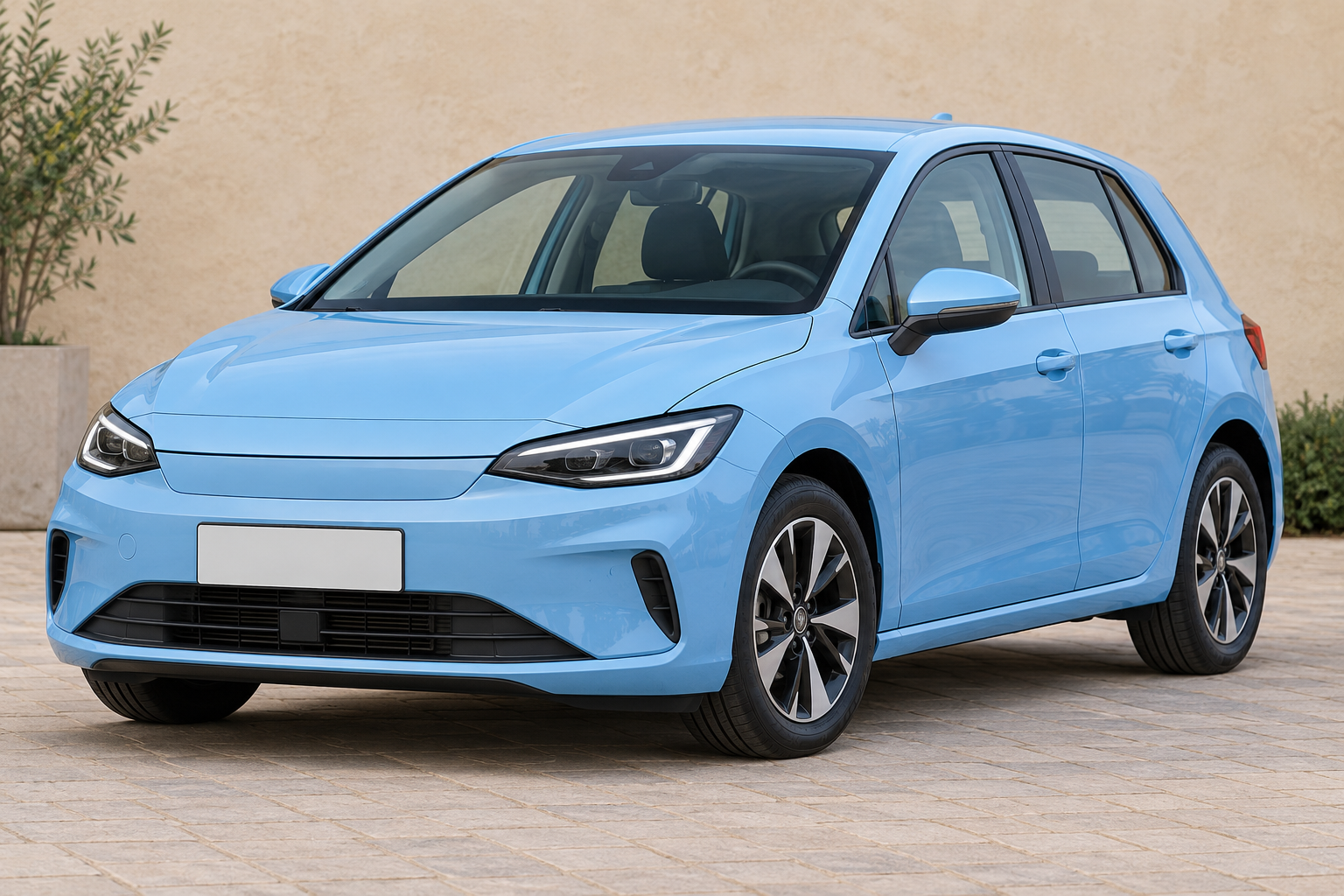
A plain wall gives the car a quiet setting without a studio look.
Use this background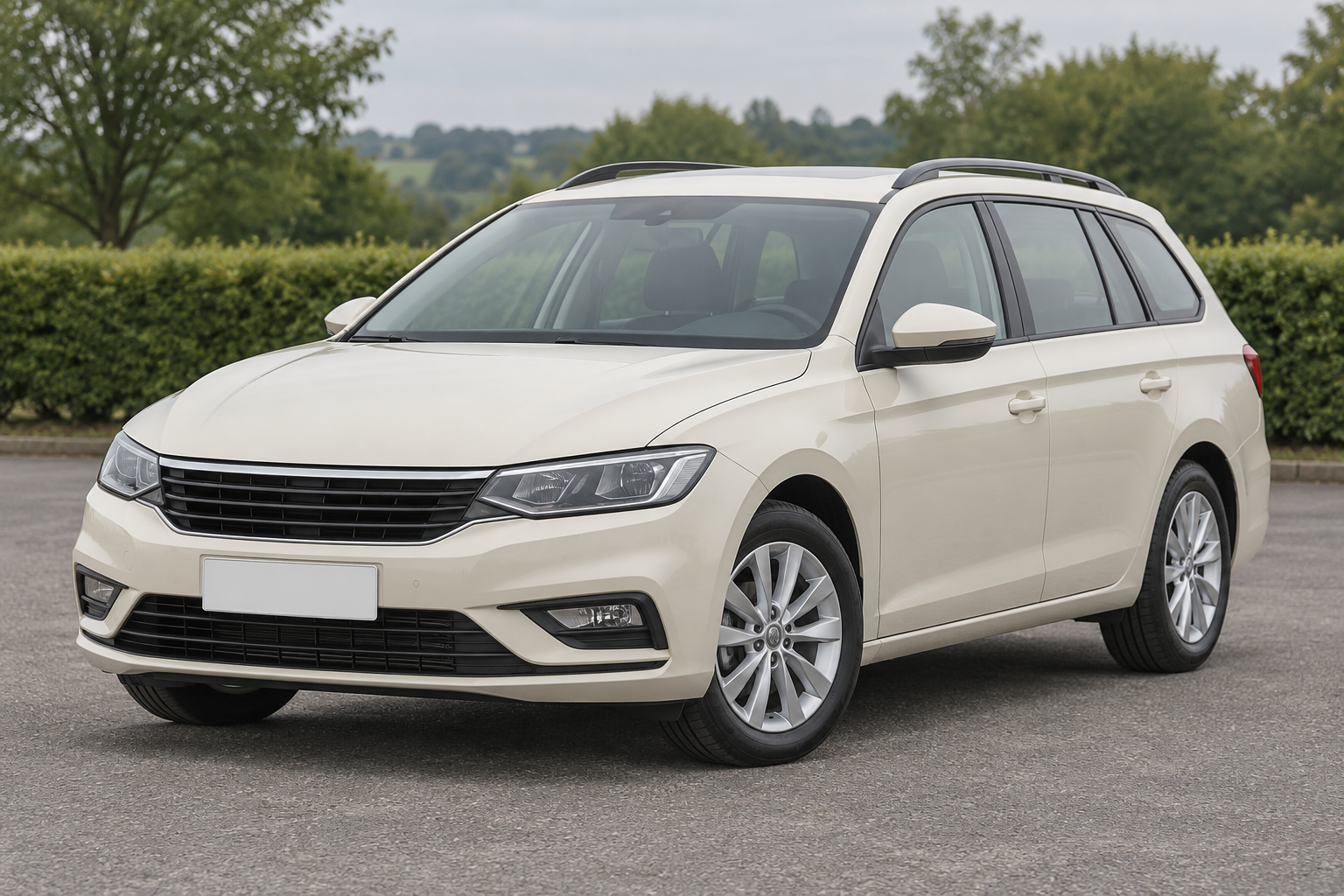
Simple hedges and trees behind clean paving keep the surroundings understated.
Use this backgroundTwo expressive alternatives for a different presentation.
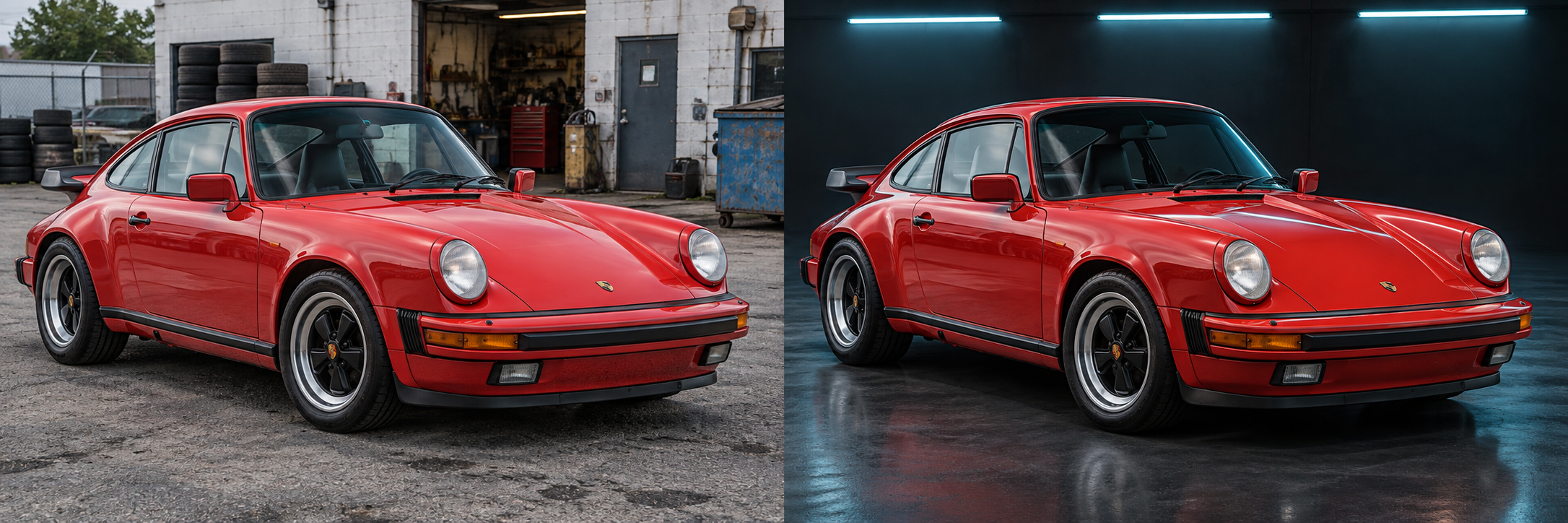
Cyan accents suit creative presentation. Keep the vehicle colour and condition accurate.
Use this background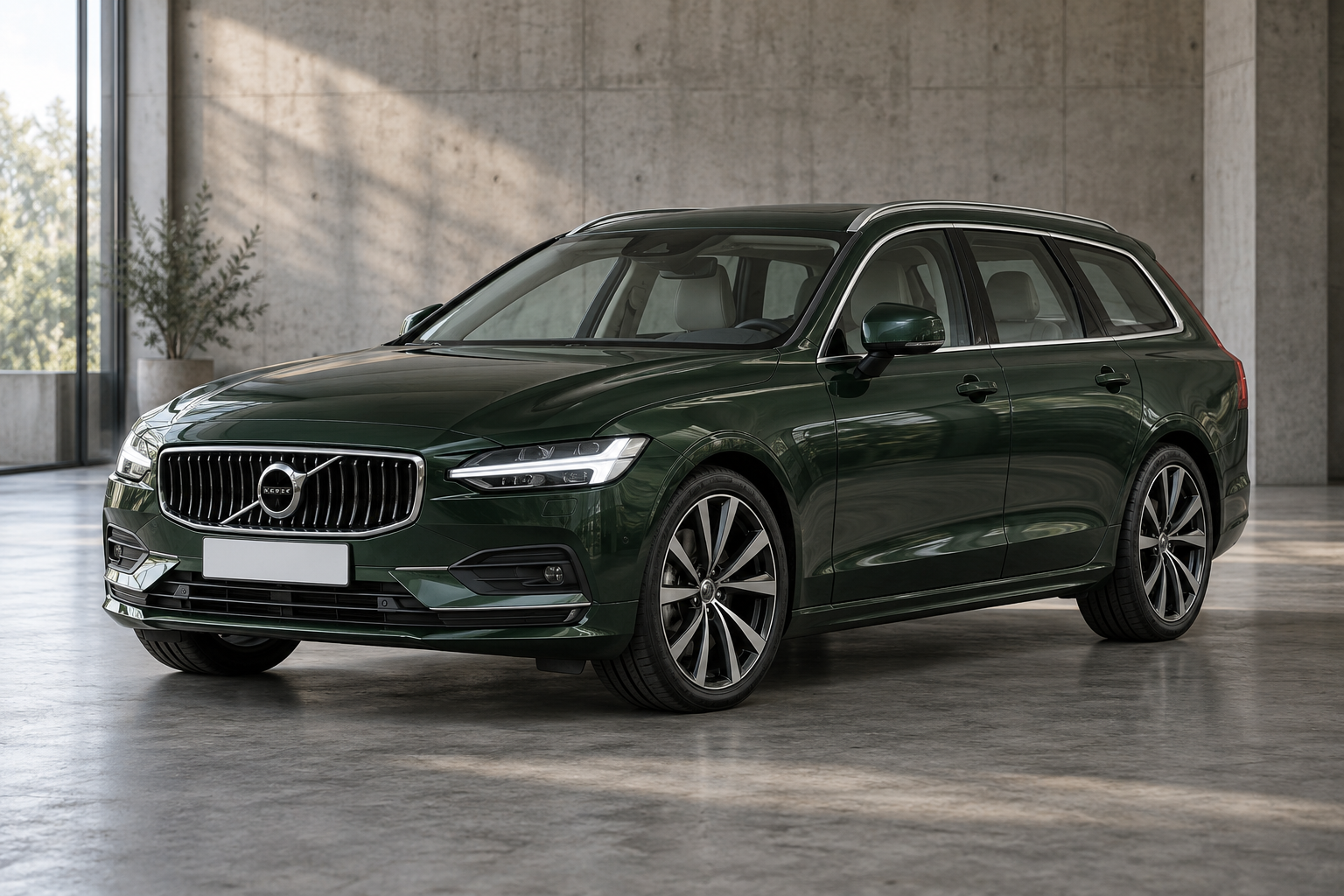
Soft concrete textures add context without a crowded dealership scene.
Use this backgroundUpload a car photo, choose a background and size, then generate and compare. Your selected style is ready below.
Try the tool with our sample shots.
Start with a studio or showroom above. You can change the background and photo ratio in the editor.
Use one JPG, PNG or WebP under 20 MB. Include mirrors and wheels, with space around the vehicle.
Inspect badges, paint, wheels and visible wear against the original. Download the result without a watermark.
Start with a simple setting that keeps the whole vehicle easy to inspect. Choose a studio for a consistent presentation, or an outdoor setting for a more familiar listing photo.
| Your aim | Try | Check before posting |
|---|---|---|
| Keep attention on the car | White or light gray studio | White paint and wheel edges stay distinct from the background. |
| Show an indoor setting with depth | Bright showroom or clean garage | Floor perspective and contact shadows look natural. |
| Keep an outdoor look | Forecourt, simple wall or greenery | Lighting matches the vehicle and the scene has no distracting objects. |
| Create a more stylized image | Graphite, concrete or neon | Dark details stay visible and coloured light does not misrepresent the paint. |
These are our visual starting points, informed by photography guidance: Bring a Trailer’s seller guide recommends simple surroundings, while Hagerty’s photo guide emphasizes a clear view of the vehicle and an uncluttered setting. These guides do not endorse this tool or establish that AI backgrounds improve sales. Check your marketplace’s image rules and include original condition photos.
A studio keeps the surroundings simple. An architectural showroom adds walls, depth and a floor. Neither can correct a poorly framed source photo without changing the composition.
For pale paint, try gray or graphite for separation. For dark paint, white or light gray can make the silhouette easier to inspect. These are visual starting points, not marketplace requirements.
Yes. Upload an existing car photo and choose a preset. The AI creates a new setting around the vehicle. The result is a generated edit, not a photograph taken in a physical showroom.
This page is for editing your own car photo. Its example images are not an empty-background stock library. Select a scene to generate a result with your vehicle.
No. You have two free credits per network, shared by devices on that network, with no daily reset. A successful generation uses one credit. Downloads do not use another credit.
The model is instructed to preserve the vehicle, but it can alter small details. Check the paint, lights, wheels, badges, plates and visible damage before using the image in a listing.
Yes. In the editor, choose Your own and upload a background reference you have permission to use. It guides the generated scene; an exact reproduction is not guaranteed.
The current tool processes one photo at a time at its standard output size. Batch editing and dedicated 2K/4K upgrades are not currently offered.
Your generated photo is ready to download from the results panel. Downloading does not use another credit.