AI car background changer for listing photos.

Give your car photos a clean setting. Choose a studio background or use your own, then compare the result before downloading.

Choose your setting Compare before downloading
Original BMW photo
Actual AI result, position and size aligned for comparison
BeforeAfter

Actual AI result · position aligned. Small vehicle details may change.

AIbackground editing
1photo at a time
7backgrounds + your own
6listing-ready sizes
Try it now

Swap your background right here.

Upload a car photo, choose a background and size, then generate and compare. Everything happens right here.

One photo at a time
Drop car photos here or click to browse. Select several at once for a batch.
JPG, PNG, WebP or HEIC, up to 25 MB each

No photos handy?

Try the tool with our sample shots.

Your photos0 of 20
Tip: shoot the whole car in daylight. Front, side, rear and 3/4 angles all work.
Live preview

Background Applies to all photos

Photo size

Finishing

Ground shadow
Floor reflectionBest on glossy floors
Blur license plateRecommended for private sellers
Dealer logoShown in the top-left corner

File format

Before and after

Six cars. Six different settings.

Slide left and right to reveal each transformation, from a clean studio to a coastal sunset.

BeforeAfter
Classic coupe · neon garageAI-created illustration · drag to compare
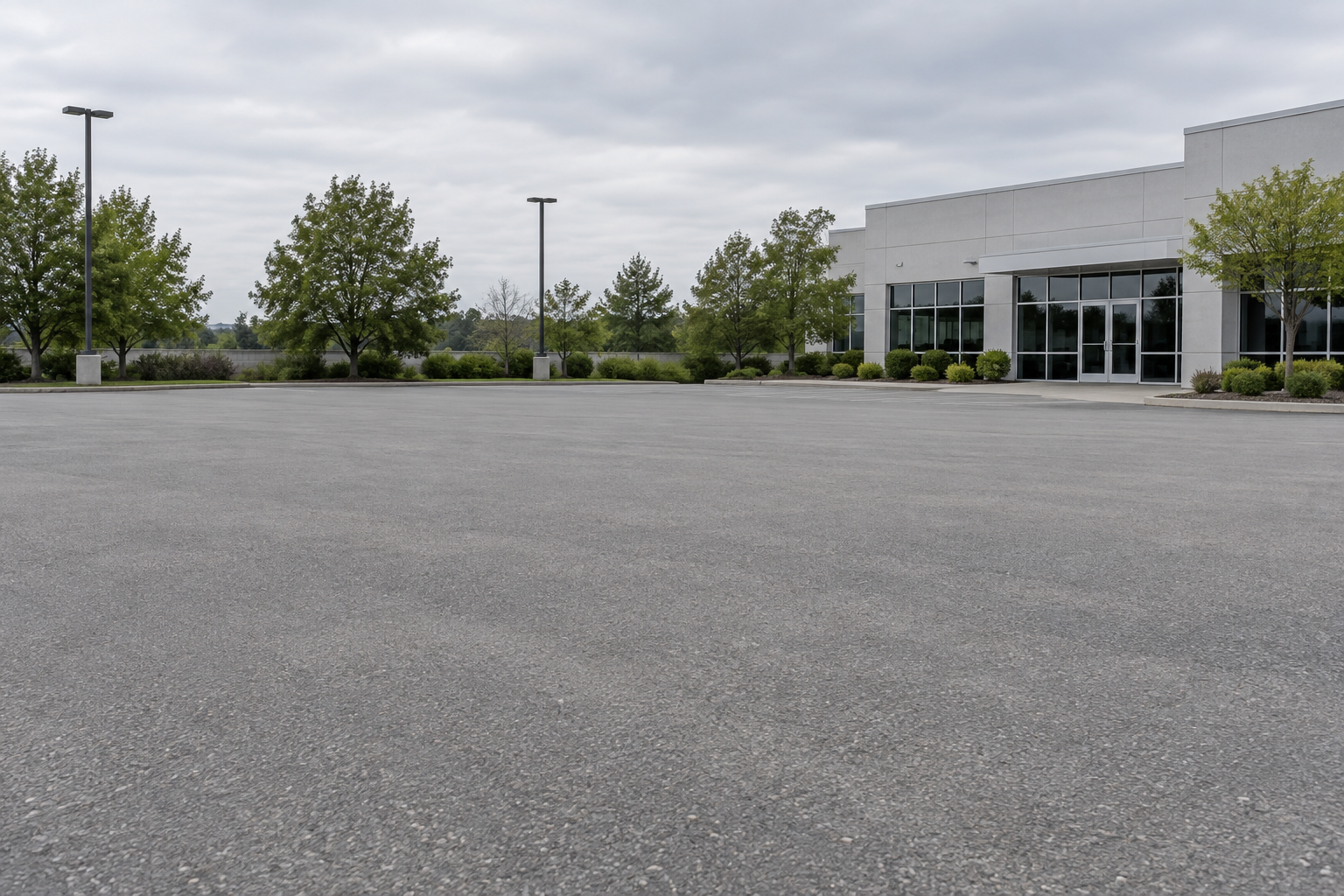
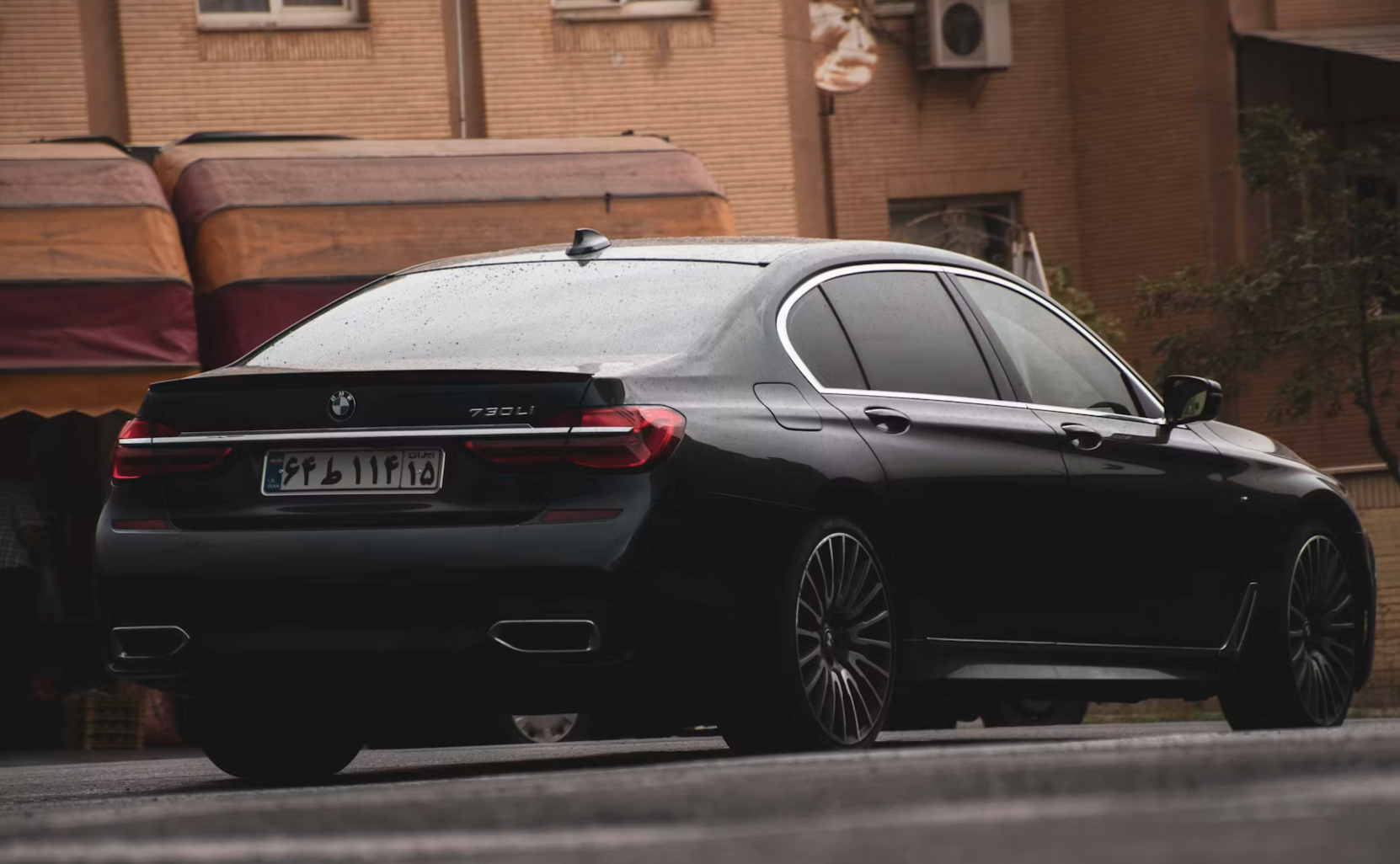
Black sedan · white studio: original photo
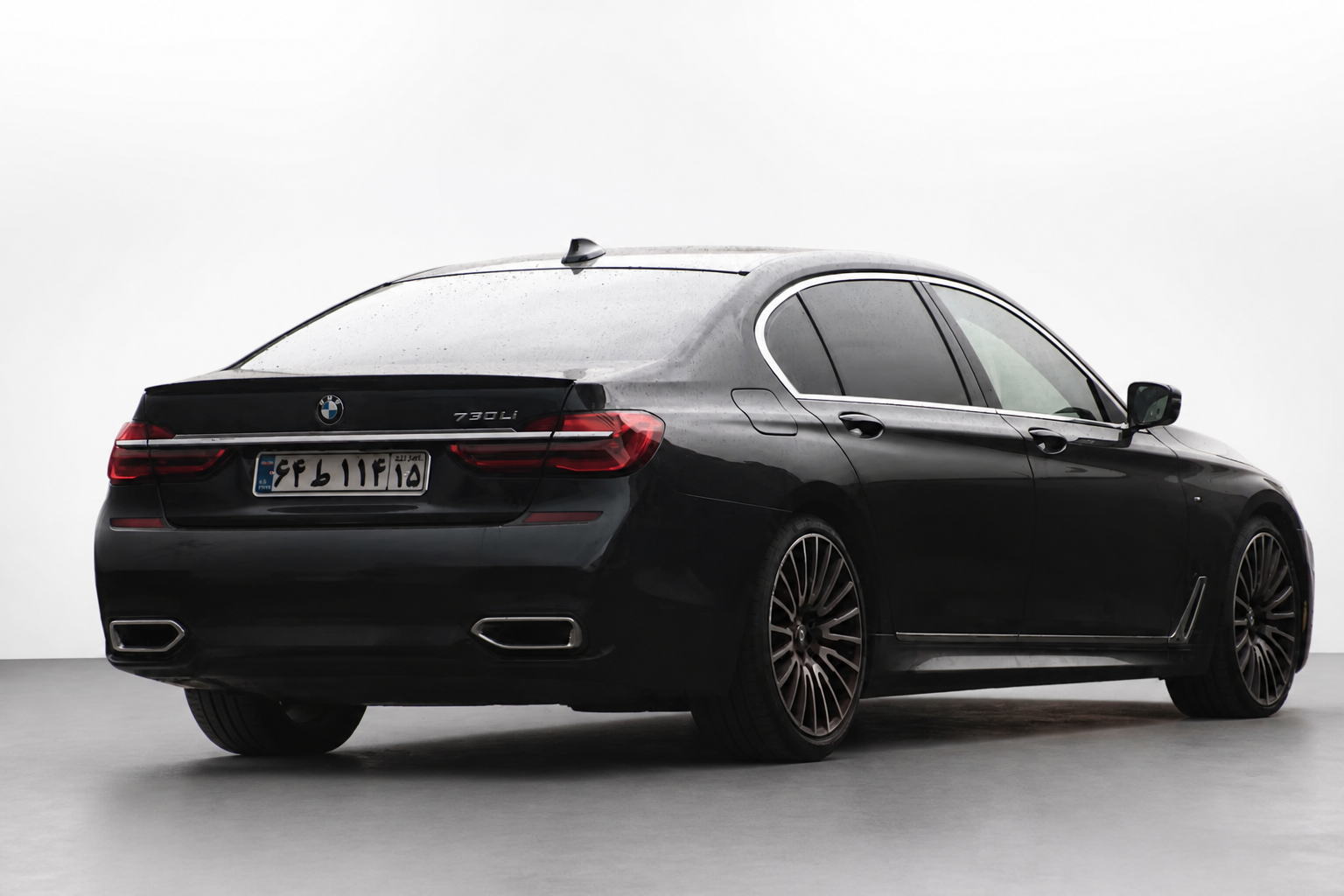
Black sedan · white studio: actual AI background edit
BeforeAfter
Black sedan · white studioActual AI edit · drag to compare
BeforeAfter
Blue SUV · coastal sunsetAI-created illustration · drag to compare
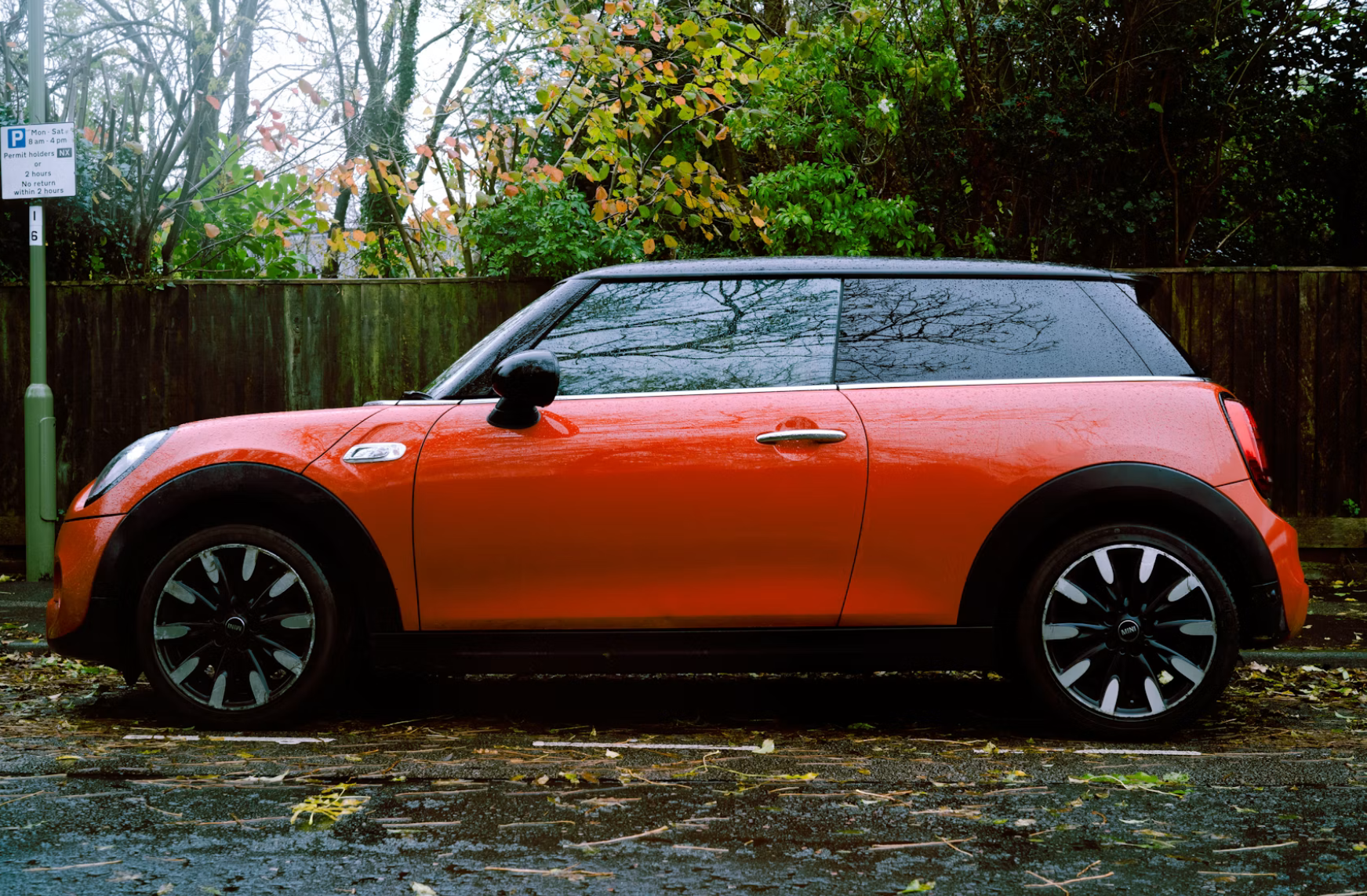
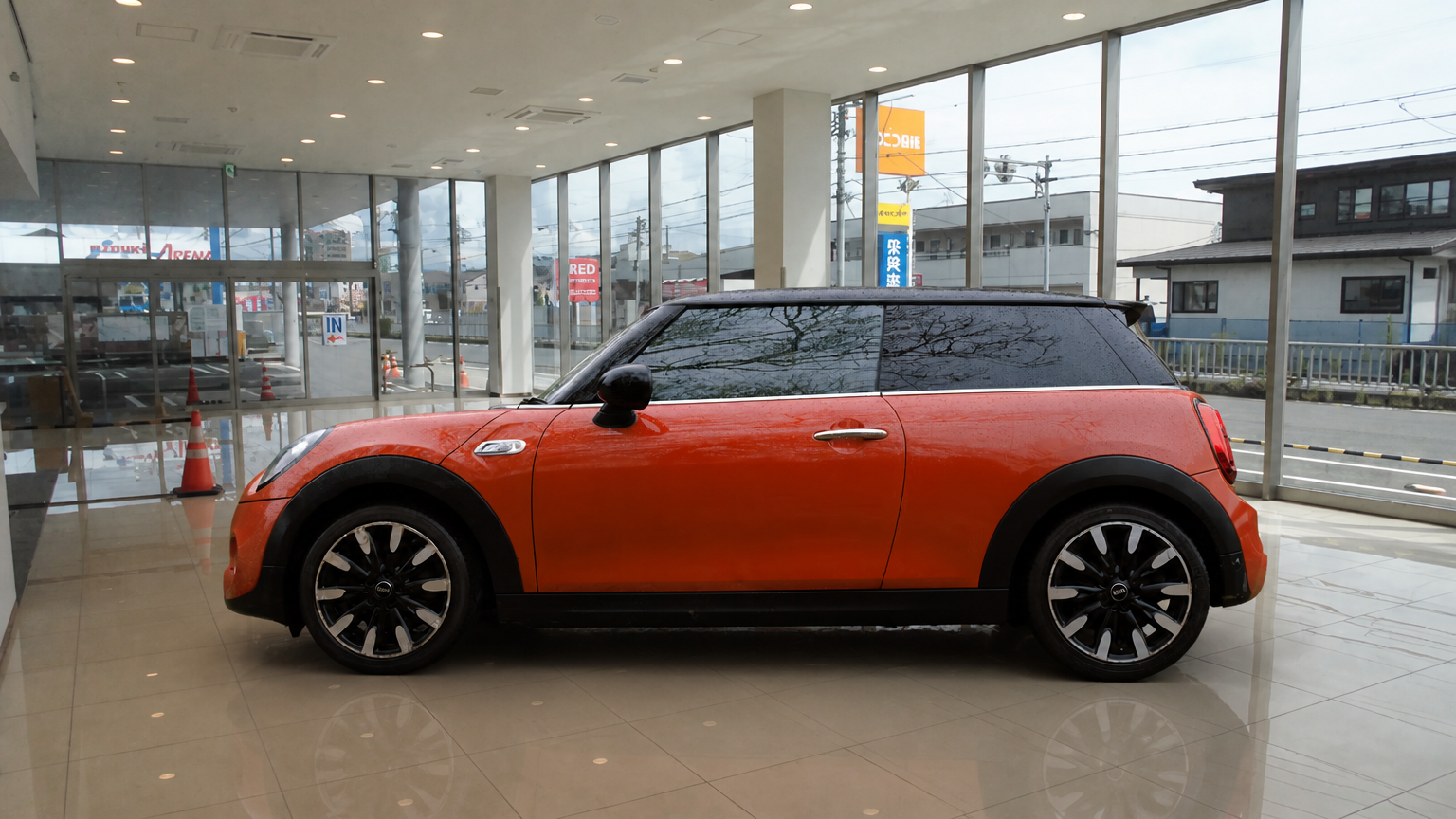
Orange MINI · bright showroom: original photo
Orange MINI · bright showroom: actual AI background edit
BeforeAfter
Orange MINI · bright showroomActual AI edit · drag to compare
BeforeAfter
Green wagon · architectural courtyardAI-created illustration · drag to compare
BeforeAfter
Yellow hatchback · burgundy studioAI-created illustration · drag to compare

BMW and MINI show actual AI edits, aligned for comparison. The other four are AI-created illustrations of background styles.

How it works

How to change your car photo background.

Car backgrounding replaces the surroundings in a vehicle photo. Start with your own image and create a cleaner setting for your listing.

1

Upload

Add one JPG, PNG or WebP photo. Keep the complete car visible, including mirrors and wheels.

2

Pick a background and size

Choose a preset or upload your own background reference. Select a landscape, square or portrait format.

3

Download and post

Generate a result, compare it with the original, and download. Check badges, wheels, plates and visible wear.

Features

A cleaner setting, with you in control.

AI background replacement

Replace a distracting setting with a new scene. Inspect fine details against your original photo.

Before-and-after comparison

Review your original and generated photo together before choosing what to download.

Custom backgrounds

Upload your own backdrop or pick a solid brand color.

License plate blur

Ask AI to obscure the plate, then check that the result hides every character.

Listing-ready sizes

Choose an aspect ratio for your listing or social post. Check the destination’s image requirements.

Download your result

Save the generated image to your device. Downloading it again does not generate a new image.

Who it's for

Built for anyone selling a car.

Private sellers

Give your listing a cleaner setting without arranging a studio shoot.

Edit a photo

Independent dealers

Try a repeatable background style for your vehicle listings, one photo at a time.

View credit packs

Car flippers

Prepare a clear presentation while checking that the image still represents the vehicle.

See pricing

Photographers

Explore alternative settings for a client’s vehicle photo and review the details before delivery.

See pricing

Find a setting that suits your cars.

Start with a single photo. Compare a studio preset with your own background reference before settling on a look.

View credit packs
  • Studio presets and custom references
  • Optional shadows and reflections
  • Compare the original and generated photo
Pricing

Pay for what you use.

No subscription needed to sell one car.

Starter

$4.99 20 credits
  • One-time credit pack
  • 1 credit per standard image
  • Same image quality across packs

Regular

$14.99 100 credits
  • One-time credit pack
  • 1 credit per standard image
  • Same image quality across packs

Volume

$49.99 500 credits
  • One-time credit pack
  • 1 credit per standard image
  • Same image quality across packs
FAQ

Questions sellers ask.

Will AI change details on my car?

AI editing can alter small details. Compare badges, wheels, plates and visible damage with the original before using an image in a listing.

Can I use my own background?

Yes. Upload a background image you have permission to use. It acts as a reference; the generated scene may differ from it.

Can I process many photos at once?

This version processes one photo at a time. Batch editing is planned, but is not available yet.

Can I download a transparent background?

Not in this version. The tool replaces the background with a new setting rather than exporting a transparent cutout.

Which image size should I choose?

Choose an aspect ratio that fits your listing. Original selects the nearest supported ratio. Always check the destination’s image requirements.

What happens to my photos?

Photos are sent to APIMart for processing. Uploaded photos and results are stored privately to support generation and downloads. No automatic 24-hour deletion is currently implemented.
Your next listing starts here.

Choose a background. Generate. Compare. Download.

Upload a photo